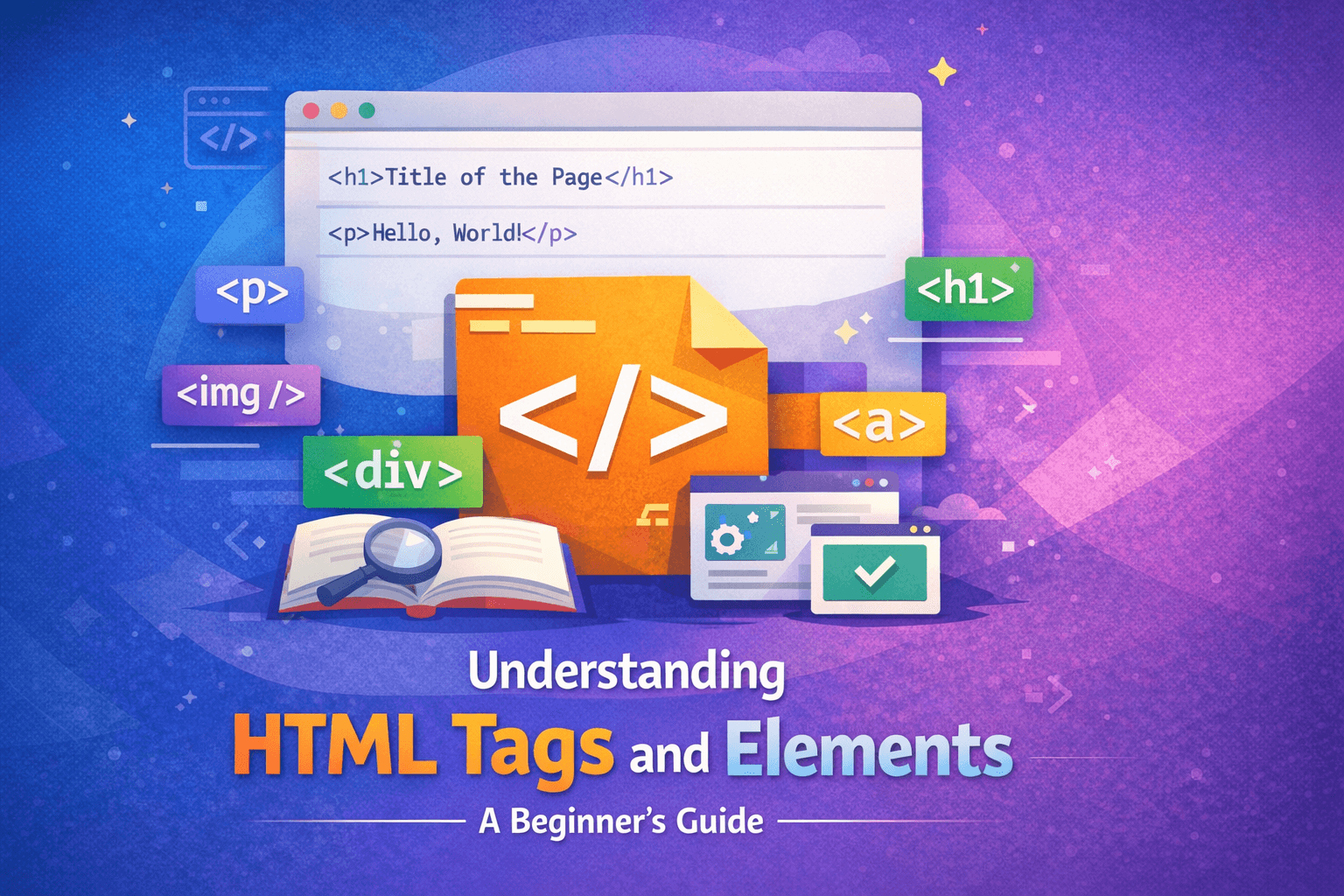
Understanding HTML Tags and Elements
Search for a command to run...
No comments yet. Be the first to comment.
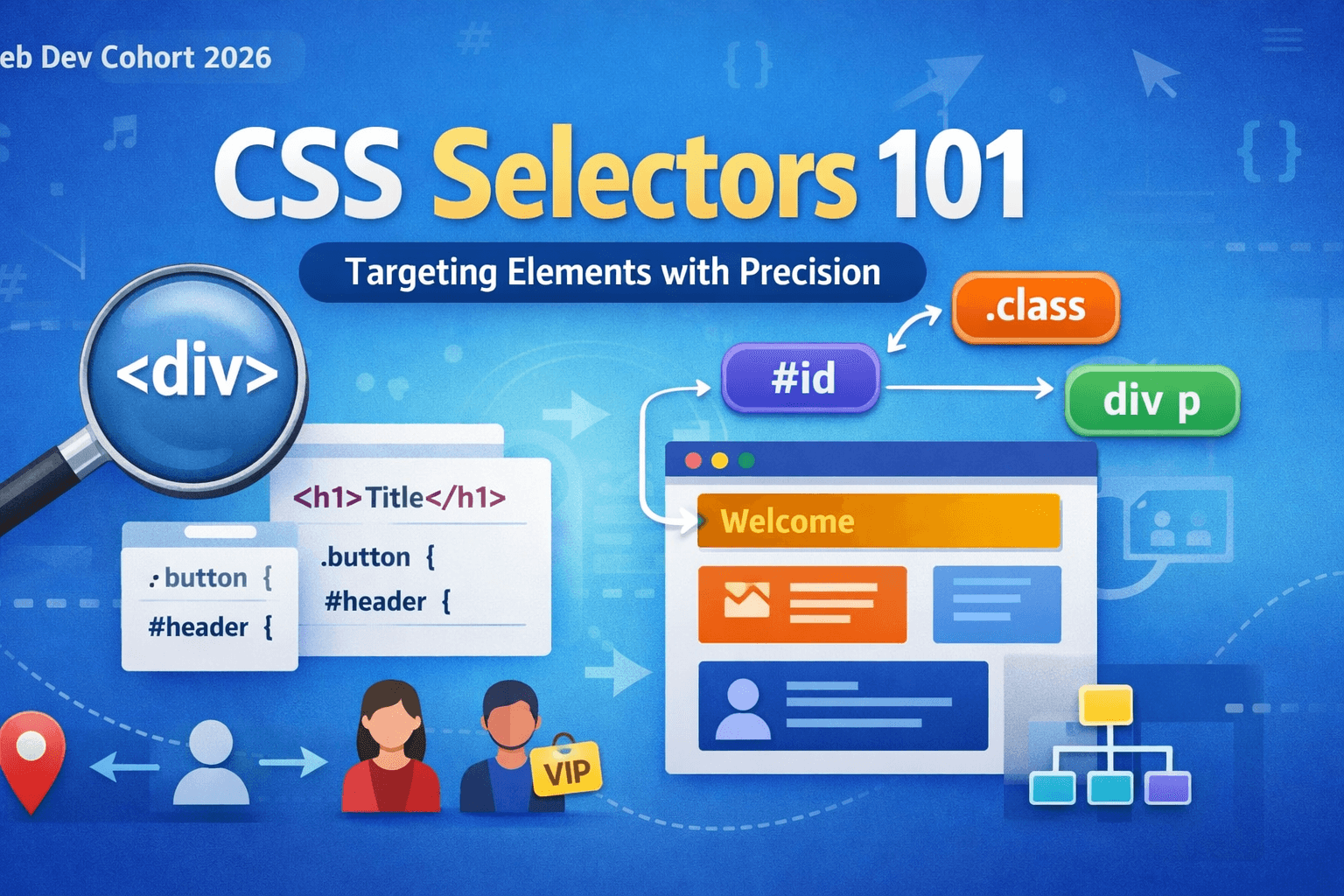
When we write CSS, our main goal is very simple: we want to apply styles to specific parts of our webpage. But how does CSS know which elements we are talking about? That is where CSS selectors come in. Selectors are the foundation of CSS. Without se...
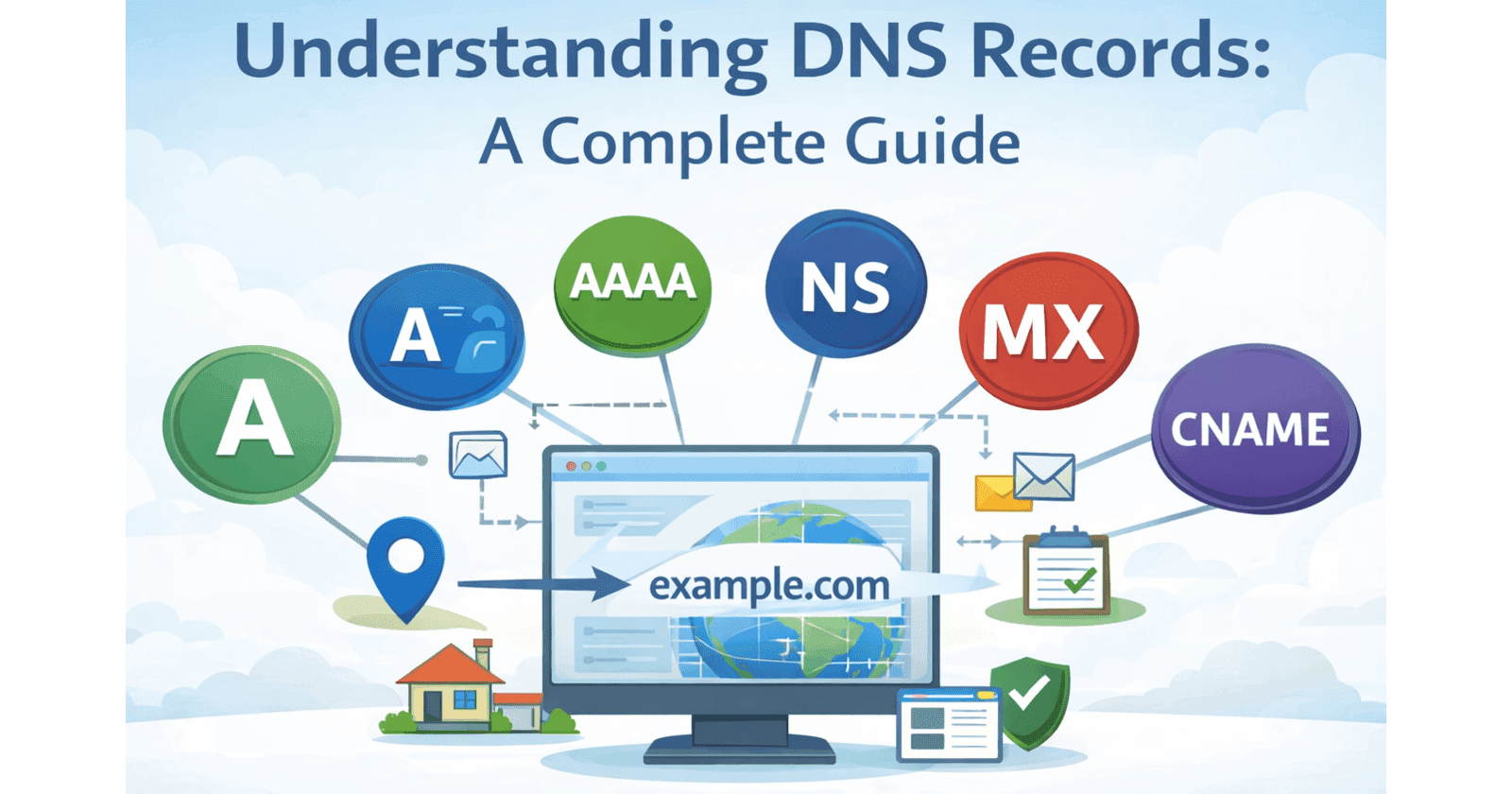
When you type a website like www.google.com into your browser, have you ever wondered how your computer knows where that website actually exists? After all, the internet does not understand human-friendly names. It only understands numbers called IP ...
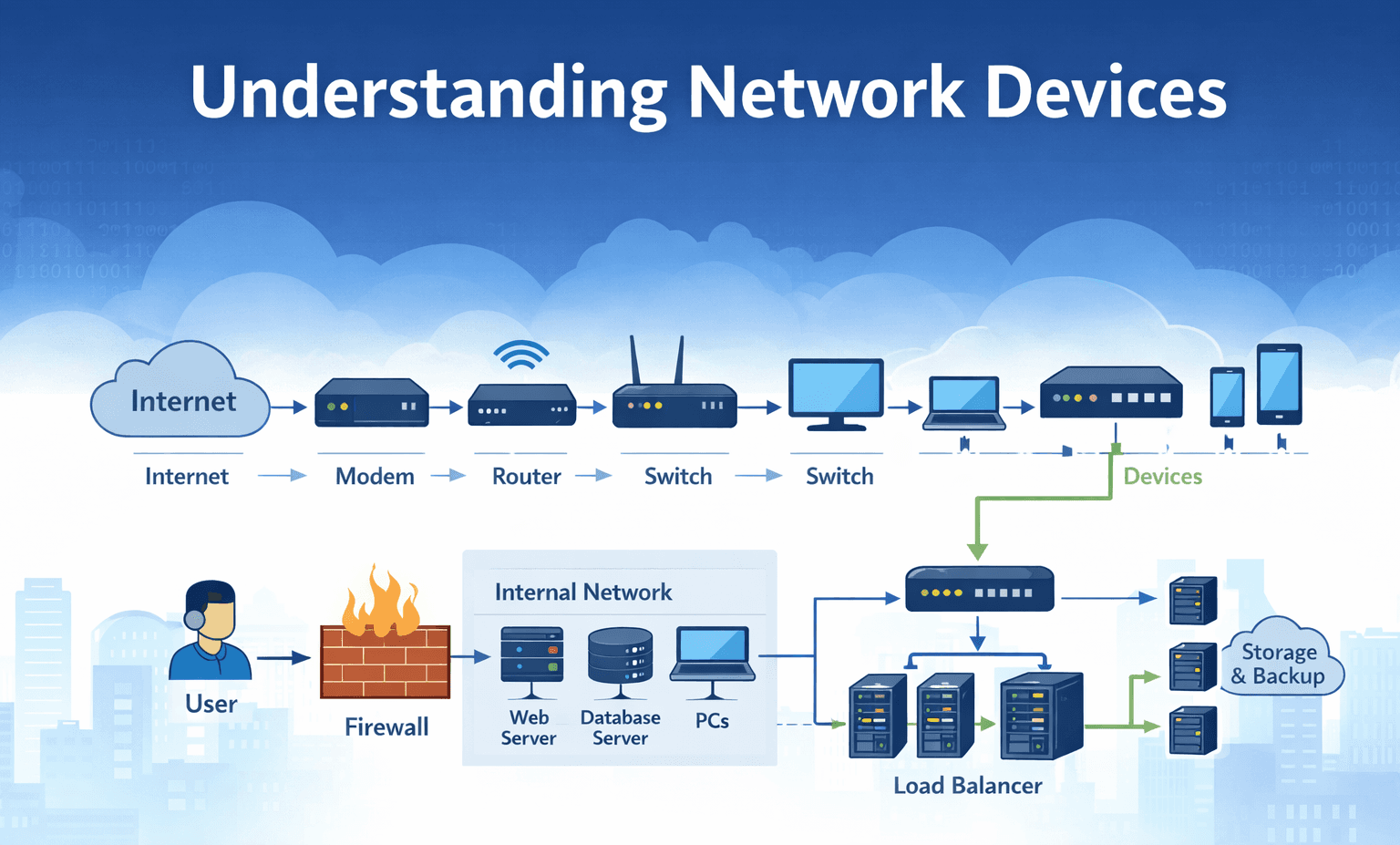
When we use the internet, it often feels almost magical that everything we need is available within a few clicks. However, behind this apparent simplicity lies a highly complex system and an entire machinery working silently in the background. Even t...
Web Dev Cohort 2026
4 posts
When someone visits a website, they usually see colors, buttons, images, and animations. But underneath all of that, the real structure of every webpage is built using HTML.
HTML is the starting point of web development.
No matter how advanced a website becomes, it always begins with HTML.
HTML is the reason a browser can understand:
What is a heading?
What is a paragraph?
What is a button?
What is an image?
Without HTML, a webpage is just a meaningless text file.
Think of HTML as the skeleton of a webpage.
It doesn’t make the page beautiful.
It doesn’t make the page interactive.
It only gives the page its basic structure.
And that structure is built using tags and elements.
HTML stands for HyperText Markup Language.
Let’s break this into simple words:
HyperText → Text that can contain links to other text.
Markup → Adding special labels to content.
Language → A set of rules the browser understands.
Browsers like Chrome or Firefox do not think like humans.
They don’t automatically know:
Which line is important?
Which line is a heading?
Which line is just normal text?
HTML gives meaning to content.
For example, without HTML, this is just text:
Welcome to my website
But with HTML:
<h1>Welcome to my website</h1>
Now the browser understands:
This is the main heading of the page.
So we use HTML because:
It tells the browser what things are.
It helps search engines understand content.
It gives structure before design and logic.
CSS and JavaScript come later.
HTML always comes first.
An HTML tag is a keyword written inside angle brackets.
Example:
<p>
<h1>
<div>
Each tag has a meaning:
| Tag | Meaning |
<p> | Paragraph |
<h1> | Main heading |
<a> | Link |
<img> | Image |
Tags are like instructions for the browser. It tells the browser:
“This is a paragraph.”
“This is a heading.”
“This is a container.”
You can think of a tag like a name on a box.
If a box has a label saying “Books”, you know what’s inside.
If a piece of text has a tag saying <p>, the browser knows it is a paragraph.
Tags themselves don’t display anything.
They just describe the content.
Most HTML tags come in pairs.
Example:
<p>Hello World</p>
This has three parts:
<p> → opening tag
Hello World → content
</p> → closing tag
The closing tag always has a /.
The browser reads this like:
Start paragraph
Show text
End paragraph
This is how HTML knows where something begins and where it ends.
Without closing tags, the browser would not know:
where one paragraph ends.
where the next one starts.
A tag is just one part.
An element is the complete structure.
This is a tag:
<p>
This is an element:
<p>This is a paragraph</p>
So an element =
opening tag + content + closing tag
Think like this:
A tag is a tool
An element is the finished product
When developers speak properly, they say:
“This is a paragraph element.”
not
“This is a p tag.”
Because technically, the real thing is the element, not just the tag.
| Word | Means |
| Tag | A part |
| Element | The full thing |
Just like:
Brick = tag
Wall = element
Some elements do not wrap content.
They exist alone.
Examples:
<img>
<br>
<input>
<hr>
These are called self-closing or void elements.
Why no closing tag?
Because there is nothing inside them.
An image does not contain text.
A line break does not contain content.
They just perform one action and finish.
So you write:
<img src="photo.jpg">
Not:
<img></img>
Void elements are simple:
They exist, they do their job, and they end.
This decides how elements appear on the page.
This is not about meaning.
This is about layout behavior.
Block elements:
Start on a new line
Take full width
Examples:
<div>
<p>
<h1>
Even if the content is small:
<p>Hi</p>

It still occupies the full width.
Block elements behave like big boxes stacked vertically.
Inline elements:
stay in the same line
take only required space
Examples:
<span>
<a>
<strong>
Example:
<p>I love <strong>HTML</strong> very much</p>

strong does not break the line.
It stays inside the sentence.
Block = new line
Inline = same line
That’s the simplest rule.
| Feature | Block Elements | Inline Elements |
| New line | Always start on a new line | Stay in the same line |
| Width | Take the full available width | Take only the required width |
| Layout behavior | Stack vertically | Flow inside text |
| Can contain | Other block or inline elements | Usually, only text or inline elements |
| Common examples | <div>, <p>, <h1> | <span>, <a>, <strong> |
We don’t need to learn all HTML tags at once.
Even experienced developers use only a small set of tags in daily work.
Once you understand these basic tags, you can already build most simple websites.
Headings are used to define important titles on a webpage.
The most commonly used heading tags are <h1> to <h6>
<h1> is the main heading of the page,
and <h6> is the smallest heading.
They help both users and search engines understand the structure of your content.
These tags are used to write normal content.
The most commonly used ones are <p>,<span>
<p> is used for paragraphs.<span> is used for small inline text inside a sentence.
Most written content on the web lives inside these two tags.
These tags are used to group content together.
The most commonly used layout tags are <div> and <section>
They don’t add meaning on their own, but they help organize the page's structure. Think of them as containers for other elements.
These tags are used for interaction and media.
The most commonly used ones are <a> and <img>
<a> is used to create links.<img> is used to show images.
Almost every website uses these two tags.
Using just these basic tags, we can already build:
simple websites
blogs
landing pages
Everything else in HTML is mostly just variations or extensions of these core ideas.