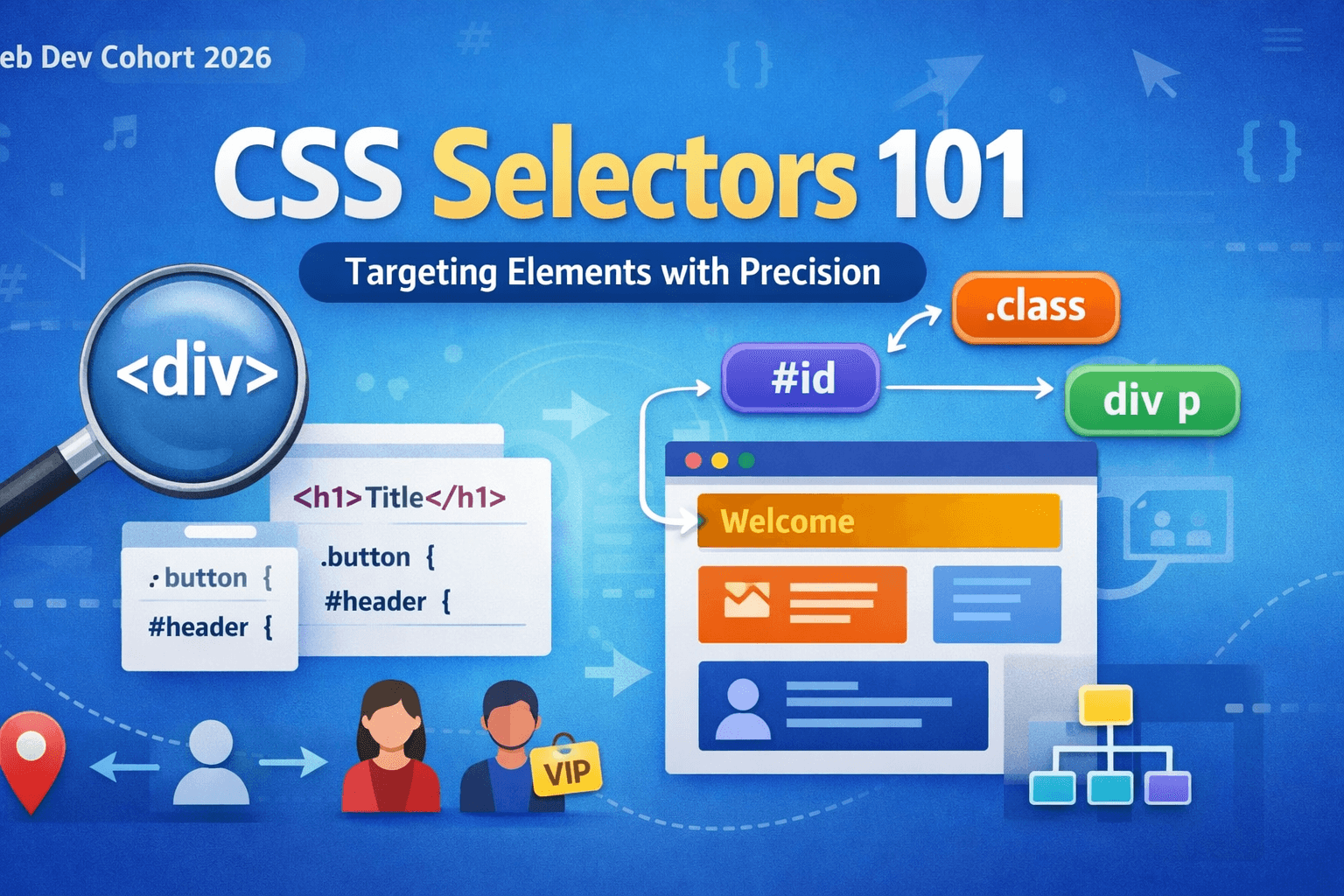
CSS Selectors 101: Targeting Elements with Precision
Search for a command to run...
No comments yet. Be the first to comment.
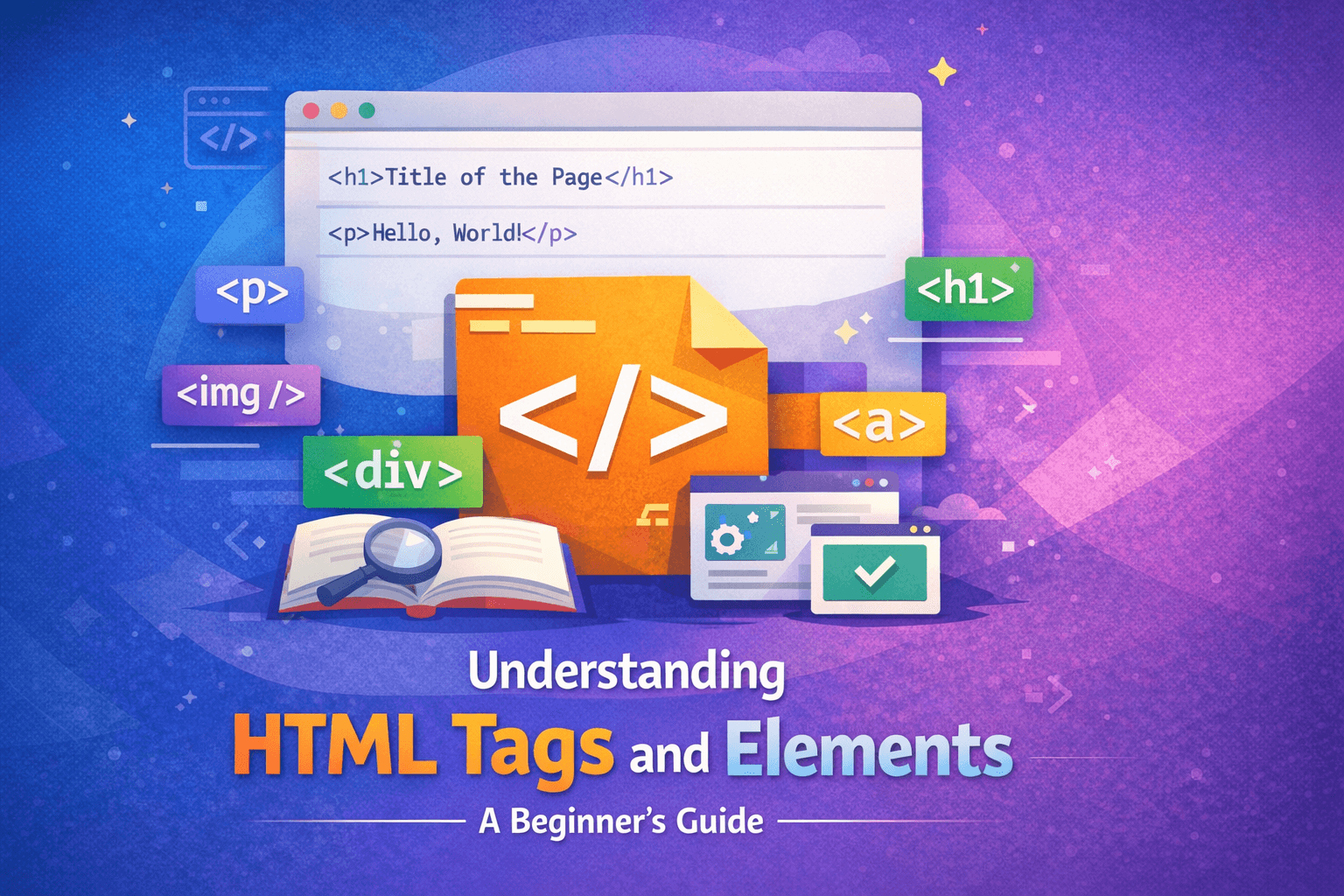
When someone visits a website, they usually see colors, buttons, images, and animations. But underneath all of that, the real structure of every webpage is built using HTML. HTML is the starting point of web development.No matter how advanced a websi...
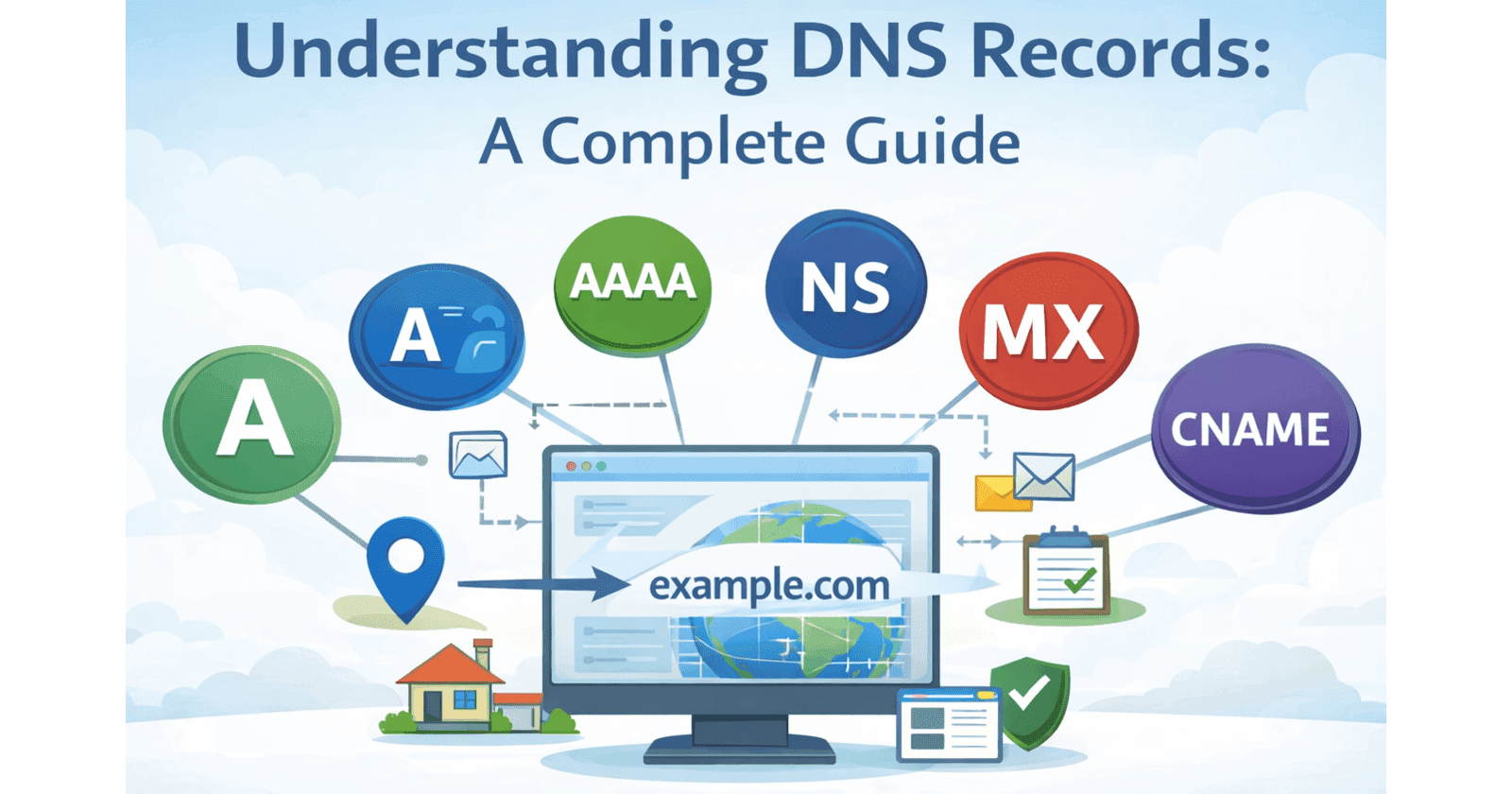
When you type a website like www.google.com into your browser, have you ever wondered how your computer knows where that website actually exists? After all, the internet does not understand human-friendly names. It only understands numbers called IP ...
When we use the internet, it often feels almost magical that everything we need is available within a few clicks. However, behind this apparent simplicity lies a highly complex system and an entire machinery working silently in the background. Even t...

Web Dev Cohort 2026
4 posts
When we write CSS, our main goal is very simple: we want to apply styles to specific parts of our webpage. But how does CSS know which elements we are talking about? That is where CSS selectors come in.
Selectors are the foundation of CSS. Without selectors, CSS would not know what to style, and every rule would be meaningless. Think of selectors as instructions that tell the browser who should receive which styles.
In this article, we will start from the basics and slowly build up our understanding, just like how we should learn CSS in real life.
Imagine you are standing in a classroom and want to give instructions. If you say, “Everyone, sit down,” all students will respond. But if you say, “Only students in the first row sit down,” only a specific group will act. CSS selectors work in the same way.
CSS selectors are needed because a webpage usually contains many elements: headings, paragraphs, images, buttons, forms, links, and much more. If CSS had no way to target specific elements, every style would apply to everything, which would make design impossible.
Selectors allow you to be precise. You can choose:
All paragraphs.
Only one specific button.
A group of cards.
Text inside a section.
Or a single unique element.
This precision is what makes modern web design possible.
Another important reason selectors exist is maintainability. When our website grows, we do not want to rewrite styles again and again. With good selectors, we write styles once and reuse them everywhere. This keeps our code clean, organized, and easy to update.
From a real-world perspective, selectors are like addresses. The house address tells delivery services exactly where to go. In the same way, CSS selectors tell the browser exactly which element should receive the style.
Without selectors, CSS would be like sending letters without addresses. Nothing would reach the right place.
In short, selectors solve one core problem:
How do we choose the correct element to style on a webpage?
The element selector is the simplest and most basic selector in CSS. It targets elements directly using their HTML tag names.
For example:
p targets all paragraphs.
h1 targets all main headings.
div targets all div containers.
img targets all images.
When we use an element selector, we are saying:
“Apply this style to every element of this type.”
This is very useful for setting global styles. For example, you might want:
All paragraphs are to have the same font size.
All headings are to have the same color.
All links are to be blue.
Element selectors are often used at the start of a project to define the basic look and feel of a website.
Element selectors are best used when:
We want uniform styling.
We want default styles.
We are defining base typography.
They form the first layer of CSS styling and usually work together with class and ID selectors for more control.
The class selector is the most commonly used in real-world projects. It allows you to target elements that share a common label called a class.
Classes are added in HTML like this:
<p class="highlight">This is important</p>
And targeted in CSS like this:
.highlight {
  color: red;
}
This means:
“Apply this style to all elements that have the class highlight.”
The biggest advantage of class selectors is reusability. We can apply the same class to many elements, even if they are different types.
For example, you can use the same class for:
A paragraph
A heading
A button
This makes class selectors extremely powerful for building components like:
Cards
Buttons
Alerts
Layout sections
In professional CSS, most styling is done using class selectors because they:
Keep HTML flexible.
Avoid conflicts.
Are easy to maintain.
Works well with modern frameworks.
The ID selector targets a single unique element on the page.
IDs are defined like this:
<div id="header"></div>
And used in CSS like this:
#header {
  background-color: black;
}
An ID must be unique. That means no two elements should share the same ID.
ID selectors are useful when:
We have one special element.
We need very specific styling.
We are linking to sections.
However, ID selectors should be used carefully. They are very strong and hard to override. If you use too many IDs, your CSS becomes rigid and difficult to maintain.
In modern development, IDs are often used more for:
JavaScript hooks
Anchors
Unique layout sections
While classes handle most styling.
Think of IDs as special cases, not everyday tools.
Group selectors allow you to apply the same style to multiple selectors at once.
Example:
h1, h2, h3 {
  font-family: Arial;
}
This means:
“Apply this style to h1, h2, and h3.”
Group selectors help reduce repetition. Instead of writing the same style three times, we only write it once.
Group selectors are useful when:
Elements share common styling.
We want cleaner CSS.
We want to avoid duplication.
Group selectors improve readability and performance by keeping your styles short and logical.
Descendant selectors target elements inside other elements.
Example:
div p {
  color: blue;
}
This means:
“Only paragraphs inside divs should be blue.”
This is very powerful because it allows context-based styling.
Descendant selectors help when:
Styling navigation menus.
Formatting blog content.
Designing sections.
They allow us to style the same element differently based on where it appears.
This is how CSS understands layout structure.
Sometimes multiple selectors target the same element. When that happens, CSS uses priority rules.
At a high level:
ID selectors are strongest
Class selectors come next
Element selectors are weakest
So if an element matches:
An element selector
A class selector
An ID selector
The ID selector wins.
Understanding priority helps avoid confusion when styles do not behave as expected.
This is why using too many IDs is risky. They overpower everything else.
Good CSS relies more on:
Classes
Logical structure
Clear hierarchy
CSS selectors are not just syntax. They are the language of styling logic.
Once we understand how selectors work, CSS becomes predictable instead of confusing.
Selectors teach us how to think in terms of:
Structure
Relationships
Reusability